
Other apps: how to add iPtvie
iPtvie works in most IPTV apps that take Xtream Codes or an M3U link. Short set-up notes for the apps customers ask about most.
iPtvie works in most IPTV apps that take Xtream Codes (server address, username and password) or an M3U link. The apps below aren't ours, so we can't give support for them, but this page sums up what customers ask about most. Help with the app itself comes from its developer.
If you have no particular reason to use one of these, we recommend TiviMate on Android TV, UHF on Apple, BobPlayer on Samsung, IBO Player on LG, and 9Xtream 4K Player on almost everything (free lifetime activation for iPtvie customers).
Two things that apply in every app
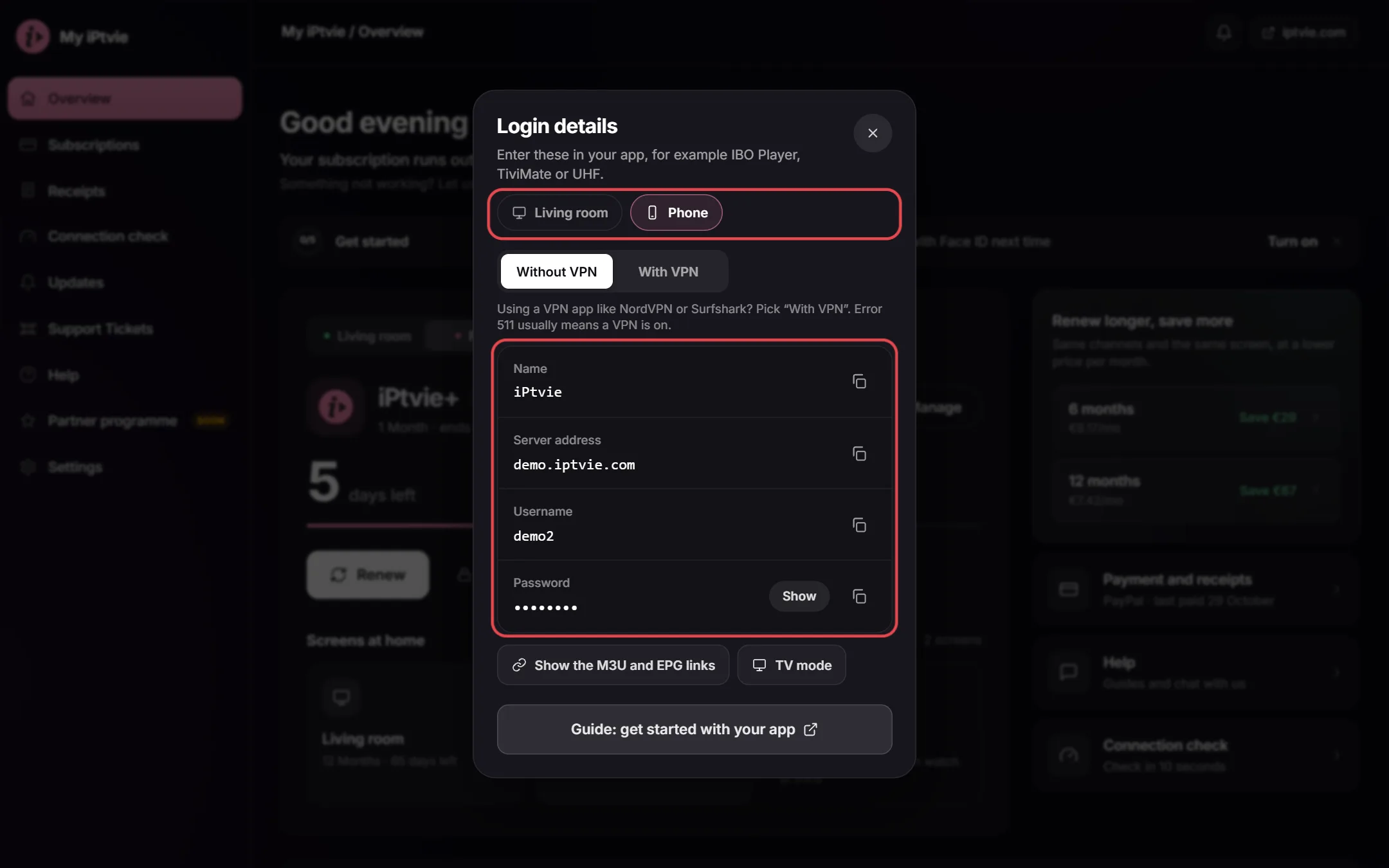
Your details are under Login details in My iPtvie. Type the server address exactly as it appears there, starting with http://. And if live channels won't start while films and series do: choose MPEG-TS or TS as the stream format, not HLS.
IPTVX (iPhone, iPad, Apple TV and Mac)
- Open Settings → Playlists and choose Add playlist.
- Choose Xtream, fill in the server address, username and password, and save.
- Edit or refresh: in Playlist Manager, hold Select on the playlist and choose Edit or Force reload.
- Live channels won't start: go to Settings → TV Live & TV Guide → Current format and choose TS.
Smart IPTV (siptv.app, Samsung and LG)
Smart IPTV only takes a playlist uploaded on its website. You don't log in in the app.
- Start the app and note the MAC address.
- Go to siptv.app/mylist and enter the MAC address.
- Choose USER/PASS, fill in the server address, username and password, and choose the format ts.
- Press Send and restart the app.
- “Server (URL) connection timeout” or “No playlist uploaded”: unplug the TV's power cable for a minute. In the app you can also hold 0 or CH to reload the list.
SmartOne IPTV (Samsung, LG and VIDAA)
Upload the playlist on smartone-iptv.com with the TV's MAC address, then restart the app. Every step is in App for LG/Samsung TV.
Flixtra Player and Hot Player (Samsung, LG and more)
- Note the MAC address in the app.
- On the app's website (flixtraplayer.com or hotplayer.app/upload), choose to upload an Xtream playlist.
- Fill in the MAC address, a name, the server address, username and password.
- Save and restart the app.
IBO Pro Player (Samsung and LG)
- Go to iboproapp.com and log in with the Mac Address and Device Key from the app.
- Choose Add XC Playlist and fill in a name, the server address, username and password.
- Press Submit and restart the app.
XCIPTV (Android and Fire TV)
Choose Xtream Codes and fill in the server address, username and password. XCIPTV locks categories with Adult in the name under parental control: the PIN is 0000 to begin with. Change it under Settings → Parental Password.
IPTVnator (Windows, Mac and Linux)
- Choose Add playlist and the Xtream Codes tab.
- Fill in Server URL, Username and Password.
- Live channels won't play: go to Settings, open the Player card and choose ts under Stream Format.
MyIPTV Player (Windows and Xbox)
Free in the Microsoft Store. Takes Xtream Codes or an M3U link and plays MPEG-TS. You can filter out groups you don't want to see in the app.
Dream Player IPTV (Android TV, Google TV and Fire TV)
Dream Player takes M3U links. Go to Settings → List management and add the M3U link from Login details (Show the M3U and EPG links). If a channel won't play: Settings → Decoder, and try VLC or ExoPlayer.
Philips with Saphi
Philips TVs with Saphi (many models from 2018 to 2022) aren't Android and only take apps from Philips' own App Gallery. We have no app to recommend there: use an external device, such as a Fire TV Stick or a Google TV device.
Frequently asked questions
My app isn't listed
Add iPtvie with Xtream Codes if the app has it: the server address, username and password from Login details. Otherwise use the M3U link from there. If it still doesn't work, we unfortunately can't support that app, and the easiest fix is to switch to one of the apps we recommend in Compatibility.
The app costs money. Is that included in iPtvie?
No, with one exception. The apps belong to others, and any fee goes to the app maker. The exception is 9Xtream 4K Player, which we activate for life at no cost.
Can I use M3U instead of Xtream Codes?
Yes, but Xtream Codes is better: the programme guide, films and series come along automatically. See Xtream vs. M3U.