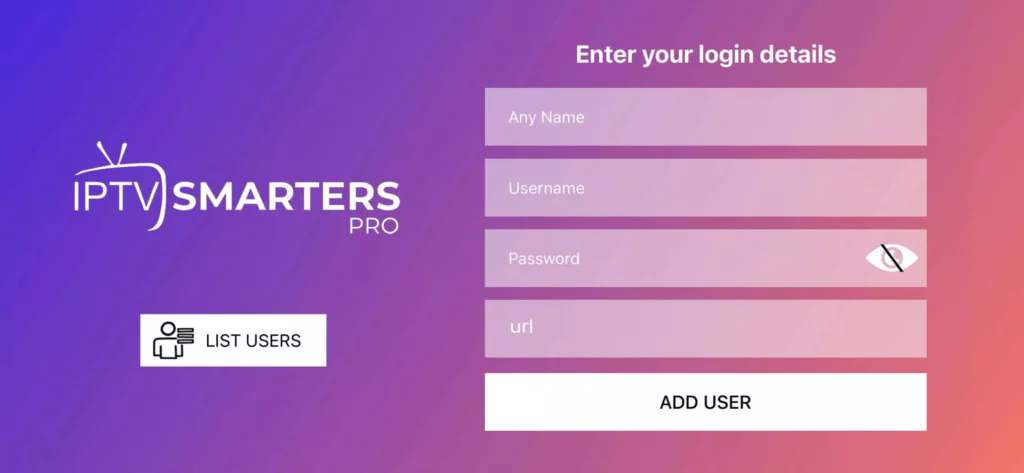
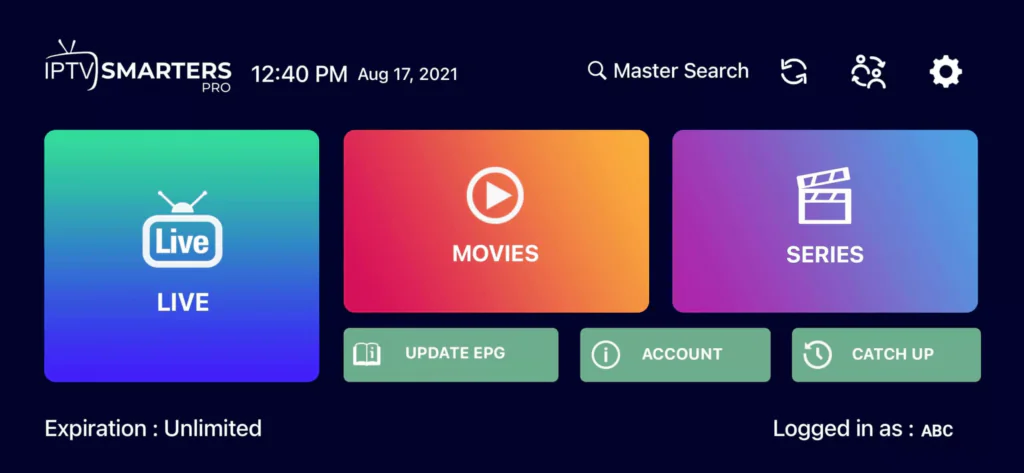
By / January 20, 2024 How to setup IPTV on Android with IPTV Smarters PlayerStep 1: Start by downloading IPTV Smarters app Click this URL : www.iptvsmarters.com/Step 2: Open the app once downloaded and Enter the login details.Step 3: Enter the login details that we have provided you after you get a subscription with usNow Click on “ADD USER” to proceed to the next section.Step 4: Wait some seconds.Step 5: Now click on “Live TV” icon as depicted in the image via a red arrow.Step 6: Now you must select the channel group that you want to watch and proceed to the next section.Step 7: Now you must click on the channel name and then double click on the small screen to turn into full screen as the final step.Done .